Play Bugdom in Your Browser
Control Rollie McFly, a roly-poly bug on a mission to free the garden from the fire ants. No installation required — powered by WebAssembly.
▶ Play Now 🛠 Developer Mode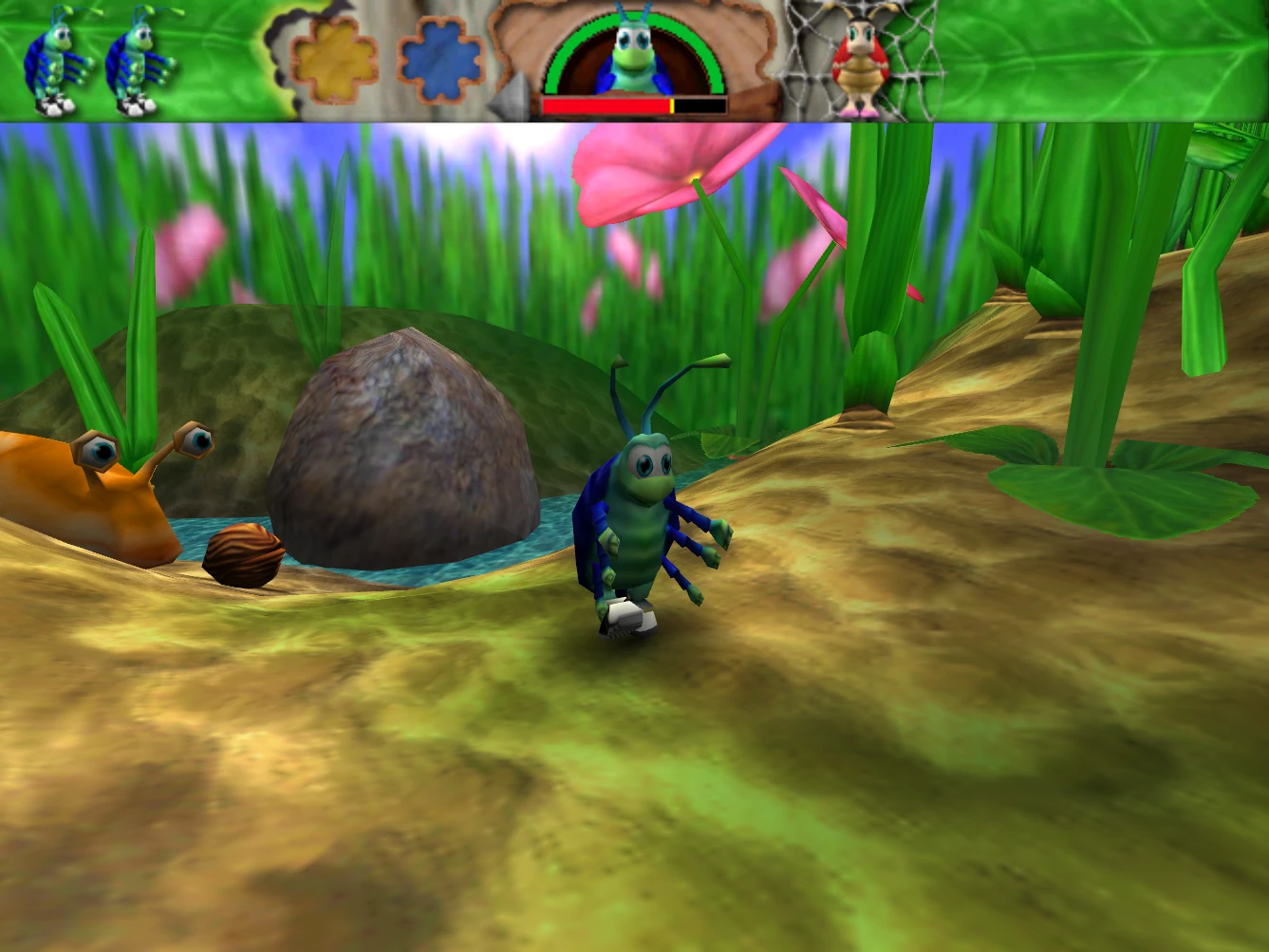
A classic 3D platformer — now playable in your browser via WebAssembly
Control Rollie McFly, a roly-poly bug on a mission to free the garden from the fire ants. No installation required — powered by WebAssembly.
▶ Play Now 🛠 Developer Mode
Jump directly to any level using the URL ?level=N parameter.
| # | Level | Type | Direct Link |
|---|---|---|---|
| 0 | Training | Lawn | Play → |
| 1 | Lawn | Lawn | Play → |
| 2 | Pond | Pond | Play → |
| 3 | Forest | Forest | Play → |
| 4 | Hive Attack | Hive | Play → |
| 5 | Bee Hive | Hive | Play → |
| 6 | Queen Bee | Hive (Boss) | Play → |
| 7 | Night Attack | Night | Play → |
| 8 | Ant Hill | Anthill | Play → |
| 9 | Ant King | Anthill (Boss) | Play → |
Add ?level=N to the URL to skip all menus and load straight into level N.
Override the terrain file with ?terrainFile=:Terrain:Custom.ter. The file must be placed in Emscripten's virtual filesystem.
Add ?dev to show the developer toolbar with level select, terrain override, and cheat toggles.
Add ?noFenceCollision=1 to disable fence collisions for unobstructed exploration.
When running in the browser, Bugdom exposes a JavaScript API for external tools and level editors:
// Fence collision control
Module.ccall('BugdomSetFenceCollision', null, ['number'], [0]); // disable fences
Module.ccall('BugdomSetFenceCollision', null, ['number'], [1]); // enable fences
Module.ccall('BugdomGetFenceCollision', 'number', [], []);      // 1=enabled, 0=disabled

// Query current level (0-9)
Module.ccall('BugdomGetCurrentLevel', 'number', [], []);

// Override terrain file for the next level load
// colonPath is a Mac-style colon-path relative to the Data directory
// e.g. ':Terrain:MyLevel.ter'
Module.ccall('BugdomSetTerrainOverride', null, ['string'], [':Terrain:MyLevel.ter']);

// Pre-set options before game starts (via window globals before page load):
window.BUGDOM_START_LEVEL = 3;                    // jump to level 3
window.BUGDOM_TERRAIN_FILE = ':Terrain:My.ter';   // custom terrain
window.BUGDOM_NO_FENCE_COLLISION = true;          // disable fence collisions
Move mouse to control camera. Click to capture mouse. Press Escape to release.
WASD / Arrow keys: Move
Space: Jump
Escape: Pause
Standard gamepad controllers are supported via the browser's Gamepad API.
Click the canvas to interact with the page and enable audio (browser requirement).